
PROMOTION | Tibber Pulse P1
- Tibber
- TI3002 | Accessory | Real-time energy monitor | Smart load balancer | Wireless
Product information
Take advantage of the 5+1 free Tibber Pulse P1 promotion now!
Perfect for EV owners, solar panel users, or anyone who wants more control over their energy bill: the Tibber Pulse P1. It shows your real-time electricity usage on your phone, straight from your smart meter. This gives you instant insight into how much power you're using, when, and what for. Super convenient and now even more attractive with the 5+1 free promotion!
- Promotion period: January 5 to March 31, 2026 (delivery date)
- Order 5 Tibber Pulse P1 units and receive 1 extra for free
- The free Tibber Pulse P1 will be added automatically
- Non-returnable, non-cancellable
Tibber Pulse P1:
Real-time Energy Tracker & Smart Load Balancer
Take control of your energy.
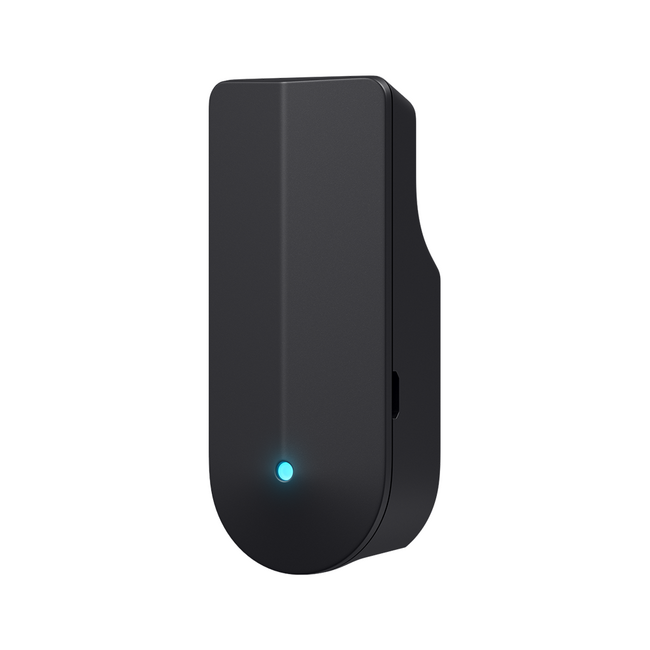
Tibber Pulse P1 plugs into your home’s electricity meter and gives you a real time view of your power consumption straight from your phone. No more blown fuses when charging your EV as Pulse helps protect your installations by automatically balancing the charging load.
Perfect for EV owners, solar users, and anyone who wants more control over their energy bill.
- Real-time tracking – See exactly how much electricity your home is using live in Tibber app.
- Load balancing* – Avoid overloads when charging your EV protect your home installations.
- Solar Smart Charging* – Ensure that surplus from your solar cells is prioritized for charging your car with self-produced solar electricity.
- Tibber App access – See usage trends, track savings, and get more from your energy all in one simple app.
Requires chargers integrated to Tibber App (Zaptec, Easee, Wallbox, go-e, Charge Amps, zappi, Fronius more coming soon).
Note
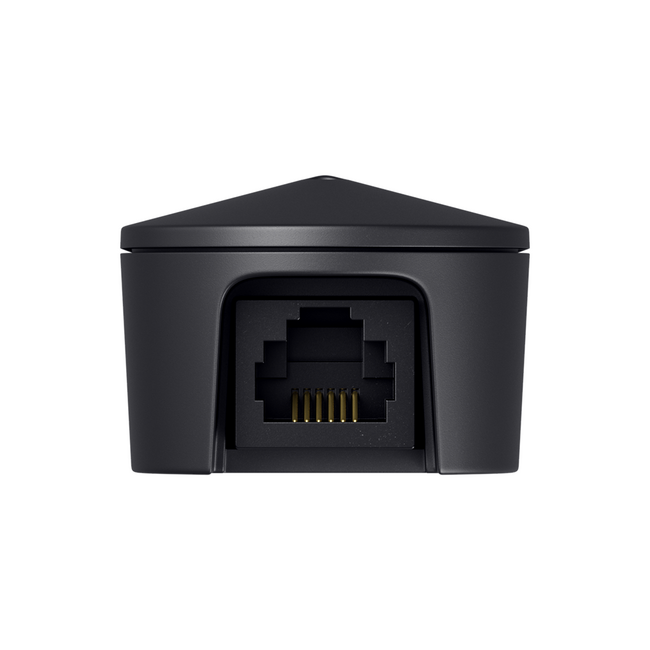
- Works with electricity meters that have a P1 port (RJ12). Check other Tibber Pulse models compatible with other meters.
- Requires Wi-Fi
- Plug-and-play setup in minutes
Best for
- Households with dynamic electricity pricing
- Smart home users looking to optimize their energy use
- EV owners who want to protect their installations
- Anyone wanting to reduce electricity costs with better insights
Compatible with Zaptec, Wallbox and Ecoflow
The Tibber Pulse P1 (TIB-TI3002) works with charging stations from Zaptec and Wallbox. Thanks to automatic load balancing, the Pulse adjusts the charging speed to the available power in your home, preventing overload and ensuring safe charging at all times. Load balancing is easily activated via the Pulse icon in the Tibber app.
The system is also compatible with Ecoflow Stream and supports the Home Energy Management System (HEMS). This intelligently charges and discharges home batteries based on your current consumption and dynamic energy tariffs. This increases your self-consumption of generated power and reduces your energy costs.
Tibber Installer app
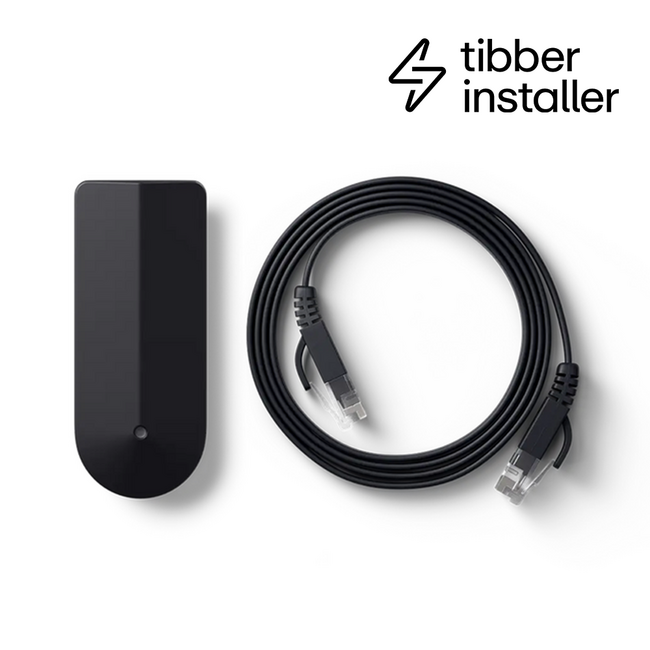
Tibber Pulse P1 is fully supported in the Tibber Installer App, making setup quick and hassle-free. As an installer, you get step-by-step guidance, easy device management, and instant confirmation that everything is working as it should so you can complete installations with confidence and efficiency. Tibber Installer App is available both for Apple and Android devices.
About Tibber
Tibber knows that the future of energy is all about smarter consumption.That’s why they developed the real-time meter, Pulse. Using smart technology, Tibber automatically shifts your electricity usage to the most cost-effective moments without you having to lift a finger. This way, you save the most on your energy bill with minimal effort.
Your electricity, simply well managed. Learn more about Tibber.